We do everything online these days—chat with friends, shop for essentials, work remotely, stream our favorite shows, and even manage our finances. The internet has made life more convenient, connected, and efficient. But as much as it empowers us, it also exposes us to serious risks.

Let’s be honest. Clicking a link shouldn’t make your heart race. Logging into your account shouldn’t feel like rolling the dice. Yet, with data breaches, phishing scams, and digital fraud making the news every other day, it’s no surprise that many of us feel a bit anxious about our online safety. And the scary part? Many people don’t even realize they’re being targeted until it’s too late.
But here’s the good news: you don’t have to be a cybersecurity expert to protect yourself online. With a few smart habits and easy-to-follow best practices, you can stay safe while enjoying everything the internet has to offer. In this blog post, we’ll walk you through exactly how to do that—step by step. Whether you’re a student, a business owner, or a casual browser, these tips are for you.
1. Use Strong and Unique Passwords
Passwords are like the keys to your digital home. And yet, so many people still use weak, predictable passwords like “123456” or “password.” If that’s you—don’t worry. You’re not alone. But it’s time to level up.
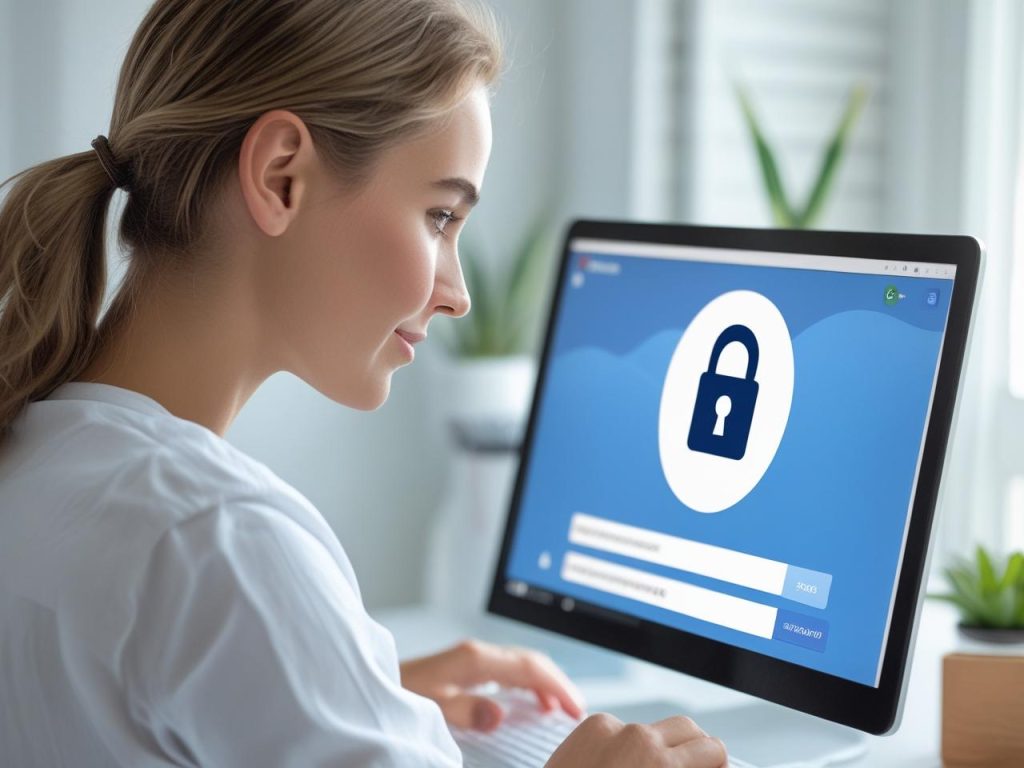
Use strong passwords that include a mix of uppercase and lowercase letters, numbers, and special symbols. Even more importantly, avoid using the same password across multiple sites. If one account gets hacked, others could quickly follow. A password manager can help you generate and store complex passwords safely, so you don’t have to memorize them all.
2. Enable Two-Factor Authentication (2FA)
Two-factor authentication (2FA) adds an extra layer of security to your accounts. Instead of just entering your password, you’ll also need to enter a code sent to your phone or generated by an app. It’s a small step that can make a huge difference.
2FA protects you even if your password is stolen. Most major platforms—like Gmail, Facebook, Instagram, and banking apps—offer this feature. Take a few minutes to turn it on. You’ll thank yourself later.
3. Be Careful with Public Wi-Fi
Public Wi-Fi is super convenient, but also super risky. Hackers often use open networks to snoop on your activity or steal your login details. If you’re browsing in a café, airport, or hotel lobby, think twice before logging into sensitive accounts.
To stay safe, avoid accessing your bank, email, or personal data on public networks. Better yet, use a Virtual Private Network (VPN), which encrypts your data and keeps it safe from prying eyes—even on public Wi-Fi.

4. Think Before You Click
Scammers are getting smarter every day. Phishing emails, fake websites, and suspicious links are designed to trick you into handing over personal information. The golden rule? If something feels off, it probably is.
Don’t click on random links or open attachments from unknown senders. Always double-check email addresses, website URLs, and message tone. If your bank or a friend sends you something strange, reach out to them directly instead of responding to the message.
5. Keep Your Software Updated
We all get those little update notifications—and most of us ignore them. But here’s the thing: software updates aren’t just about new features. They often fix security holes that hackers could use to access your device.
Keep your operating system, browser, apps, and antivirus software up to date. Set updates to install automatically if you can. That way, you’re always protected with the latest security patches.
6. Use Trusted Security Software
Think of antivirus software like a security guard for your computer. It scans your files, blocks dangerous downloads, and alerts you when something suspicious is happening. Without it, you’re leaving your device unprotected.
There are many good antivirus tools out there—some free, some paid. Look for one with real-time protection, phishing detection, and automatic updates. And remember: security software doesn’t make you invincible, but it does add an important layer of defense.
7. Limit the Personal Information You Share Online
We live in an age of oversharing. But the more you post online—about where you live, your birthday, your travel plans—the easier it is for cybercriminals to build a profile on you.
Avoid posting personal information that could be used to guess your passwords or security questions. Be mindful of what you share on social media, and adjust your privacy settings to control who can see your content. A little caution goes a long way.
8. Back Up Your Data Regularly
Imagine losing all your files—photos, documents, videos—because of a virus or ransomware attack. It happens more often than you’d think. That’s why backups are so important.
Use cloud storage or an external hard drive to back up your data regularly. That way, if your device crashes or gets hacked, you won’t lose everything. Set it on a schedule so it becomes second nature.
9. Be Wary of Free Downloads and Pop-Ups
We all love free stuff. But free downloads—like games, software, or files from unfamiliar websites—can be hiding malware. The same goes for those flashy pop-ups offering prizes or saying your computer is infected.
Avoid downloading anything from untrusted sources. Always double-check the website’s reputation, and don’t click on random pop-ups. If something sounds too good to be true, it probably is.
10. Use Secure Websites Only
When shopping or entering personal info online, make sure the website is secure. Look for “https://” in the URL and a padlock symbol in the browser bar. This means the site uses encryption to protect your data.
Avoid entering your credit card or personal information on sites that don’t have these security indicators. It’s a simple check that can save you a lot of trouble down the line.
11. Protect Your Mobile Devices
Your smartphone is like a mini computer—and it needs protection too. Use a screen lock (PIN, fingerprint, or facial recognition), install security updates, and download apps only from trusted stores like Google Play or the Apple App Store.
Also, consider enabling remote tracking and wiping, in case your phone is lost or stolen. It’s better to be safe than sorry.
12. Watch Out for Fake Apps
Cybercriminals create fake versions of popular apps to trick users into downloading malware. These apps may look real but can steal your information or track your activity.
Before downloading any app, check the developer’s name, read reviews, and look at download numbers. If something feels off, don’t install it.
13. Be Smart with Your Emails
Email is one of the top ways hackers try to gain access to your data. They might pretend to be your bank, a government agency, or even a friend in need. Their goal is to get you to click a link or share personal details.
Always verify the sender’s email address, be cautious of urgent or emotional language, and don’t respond with sensitive information. When in doubt, go directly to the official website instead of clicking on email links.
14. Log Out When You’re Done
It’s easy to leave accounts open—especially on your personal computer or phone. But logging out is a simple step that protects your info, especially on shared or public devices.
Make it a habit to log out of websites, apps, and email when you’re finished. It only takes a second but adds a layer of security to your online activity.
15. Know the Signs of a Scam
Online scams come in many forms—fake job offers, romance scams, investment opportunities, and more. If someone is pushing you to act fast, asking for money, or avoiding direct questions, it’s a red flag.
Trust your instincts. Do your research, ask questions, and never share financial or personal info with strangers. Staying skeptical isn’t rude—it’s responsible.
16. Keep an Eye on Your Accounts
Make it a routine to check your bank accounts, credit card statements, and online transactions. Look out for suspicious activity—like small charges you don’t recognize. Cybercriminals often test with small amounts before going bigger.
The sooner you catch a problem, the faster you can fix it. Set up alerts if your bank offers them, so you get notified about new transactions in real time.
17. Educate Your Family and Team
If you’re protecting yourself but not your loved ones or coworkers, there’s still a gap. Children, elderly family members, or less tech-savvy colleagues can easily fall for scams or make online mistakes.
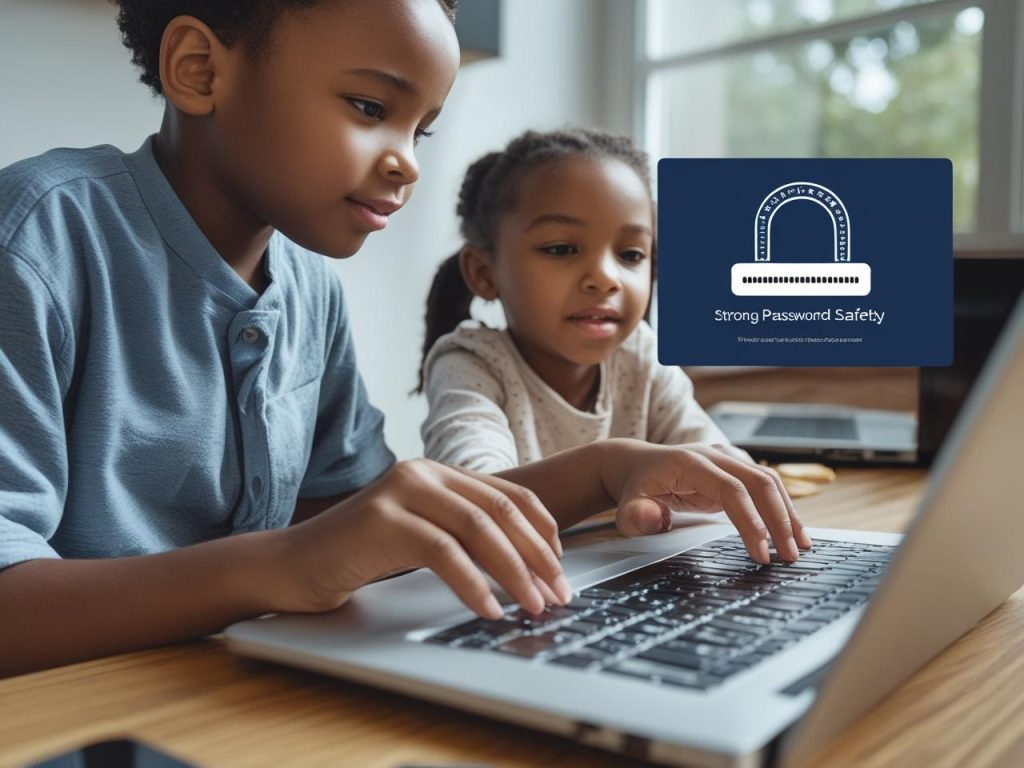
Take time to teach others about online safety. Share what you’ve learned, talk about the risks, and help them set up strong passwords and privacy settings. Online safety is a team effort.
18. Trust Your Gut
Sometimes, all the rules in the world don’t compare to that gut feeling. If something feels “off,” listen to that voice in your head. Whether it’s a website that seems sketchy or an email that doesn’t sit right—don’t ignore your instincts.
It’s better to pause and investigate than to rush into a decision you’ll regret. Trust yourself.
Conclusion
The internet is an incredible place. It helps us learn, grow, connect, and succeed. But just like we lock our doors at night, we need to take precautions to stay safe online.
By following the tips and best practices in this post, you can protect your data, avoid scams, and browse with more confidence. You don’t have to be paranoid—just prepared. Cybersecurity isn’t about fear. It’s about empowerment. And now, you’re empowered with the knowledge to protect yourself and your loved ones.
So go ahead—enjoy the digital world. Just make sure you’ve got your armor on.!


 By
By

 By
By